07 Sep
The fastest way to lose a job is to make the customer wait until you “get back to the office.” In today’s field-service market, a lead who reaches out at 2:00 PM is often looking for a solution before the business day ends. To win more jobs, contractors must provide a useful next step immediately—not just a confirmation that you received their message, but a path forward that keeps them from calling the next person on the list.
As a field-service owner, you know the drill. You’re in a crawlspace, on a ladder, or navigating a complex landscape install when your phone buzzes. It’s a new lead. You can’t stop what you’re doing to build a quote, so you tell yourself you’ll handle it tonight. But by 7:00 PM, that lead has already received two other callbacks and booked a site visit with a competitor.
The “end of the day” response is a silent profit killer. It’s not that you aren’t working hard; it’s that your customers’ expectations have shifted. They don’t just want the best price; they want the path of least resistance.
The High Cost of the “End of the Day” Response
In the home services industry, lead response time is one of the most significant predictors of conversion. Research consistently shows that businesses that respond to a lead within five minutes are significantly more likely to qualify that lead than those who wait even thirty minutes.
For a busy HVAC technician or electrician, a five-minute response feels impossible. However, “response” doesn’t always mean a final, binding quote. It means a useful next step. When you wait until the evening to follow up, you are essentially telling the customer that their project is on your schedule, not theirs. In that gap, they are scrolling through Google, reading reviews of your competitors, and likely sending two more “Request a Quote” forms.
| Response Time | Customer Perception | Impact on Win Rate |
|---|---|---|
| Under 5 Minutes | Professional, urgent, and reliable. | Highest; often stops the customer from searching further. |
| 30 Minutes – 2 Hours | Competent, but potentially busy. | Moderate; customer may have contacted 1-2 others. |
| End of Day / 24+ Hours | Unreliable or “too busy for my small job.” | Low; customer has likely already booked a site visit elsewhere. |
Why Speed Trumps Price (Sometimes)
It is a common misconception among contractors that the lowest bid always wins. While price is a factor, responsiveness and professional communication often carry more weight for high-value customers. A homeowner with a leaking pipe or a broken AC unit is in “problem-solving mode.” They aren’t looking for the cheapest deal; they are looking for the person who is going to show up and fix it.
When you respond quickly with a professional-looking acknowledgment or a preliminary estimate, you build immediate trust. You demonstrate that your business has the systems in place to handle their needs. Conversely, a delayed, typo-ridden text sent from a truck at a red light sends the opposite message.
A Practical 4-Step Follow-Up Workflow
Improving your follow-up doesn’t require you to hire a full-time office manager or stop working in the field. It requires a system that handles the repetitive “front-end” of the conversation so you can focus on the “judgment” part of the job.
1. The Instant Acknowledgment
The moment a lead comes in—whether via your website, a Facebook message, or a phone call—they need to know they’ve been heard. An automated but personal-sounding acknowledgment is the first step. This shouldn’t just say “We got your message.” It should say:
* “Hi [Name], thanks for reaching out about your [Service] needs.”
* “I’m currently on a job site, but I’ve received your details.”
* “To give you an accurate idea of timing/cost, could you quickly confirm [specific detail]?”
2. Capturing Context Without the Friction
The biggest bottleneck in quoting is the “back-and-forth.” You need photos, square footage, or the model number of the furnace. Instead of waiting to ask these questions manually, use a tool like WyzPilot to prompt the customer for these details immediately. When a customer provides photos of their electrical panel or their backyard, they are “invested” in the process with you. They are much less likely to start the process over with someone else.
3. The AI-Assisted Draft
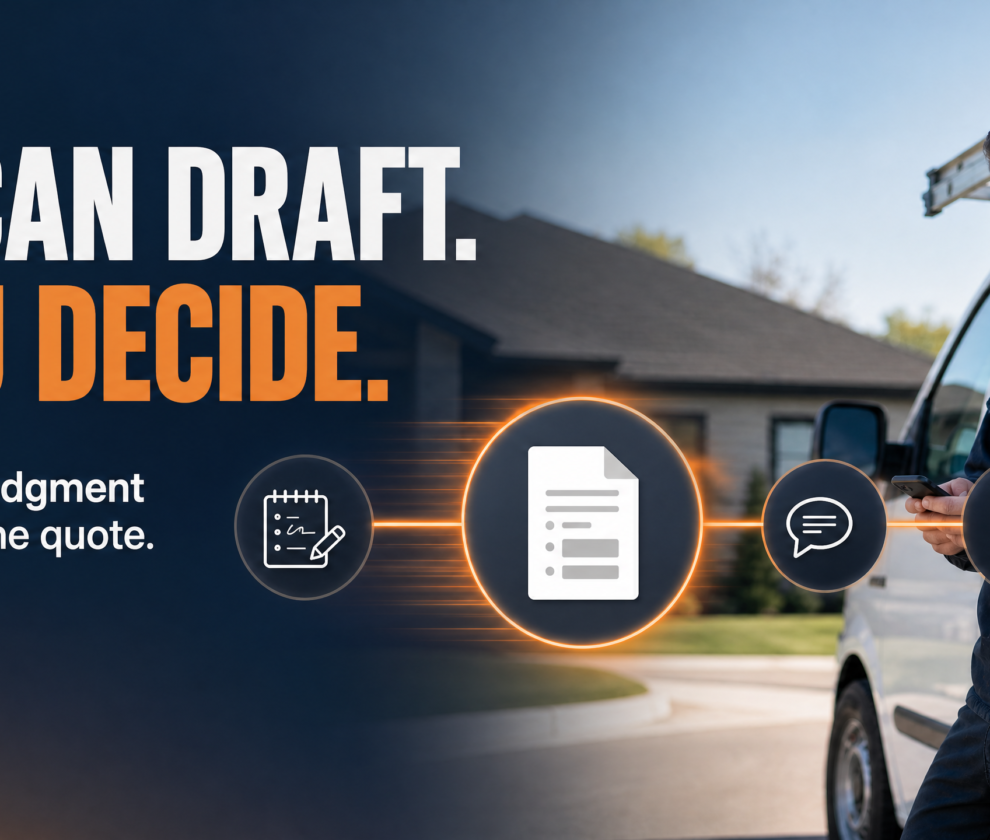
This is where modern technology changes the game for contractors. You don’t need to type out a 500-word scope of work from scratch every time. Based on the job notes and the details the customer provided, AI can draft a professional-sounding quote or follow-up email. It can organize the materials list, describe the process, and format it into a clean, readable document.
4. The Human Approval Point
Crucial Rule: AI should never send a final price or a binding contract without your eyes on it. Your expertise is in knowing the hidden costs—the difficult access to a job site, the specific code requirements in a certain neighborhood, or the “gut feeling” about a complex repair.
The workflow should look like this:
1. AI drafts the quote based on your standard pricing and the customer’s input.
2. You receive a notification on your phone.
3. You review the draft, tweak the price or scope if needed, and hit “Send.”
This turns a 20-minute admin task into a 60-second review.
Balancing Automation with the Human Touch
The fear many contractors have is that automation will make them sound like a “big, soulless corporation.” In reality, the opposite is true. When you use systems to handle the “boring” parts of communication, you have more time for the high-value human interactions.
A customer doesn’t care if an AI helped you format the quote; they care that the quote is accurate, professional, and arrived when they needed it. By stating clearly that your quotes are “Drafted for speed and reviewed by our lead technician for accuracy,” you actually increase the customer’s confidence in your process.
Industry-Specific Scenarios
HVAC: The Emergency Repair
A customer’s AC dies in July. They call three companies. The first company to send a text confirming they have a technician in the area and providing a link to book a diagnostic appointment wins. Even if your price is $50 higher, the “certainty” of the appointment is what the customer is buying.
Landscaping: The Multi-Week Project
For a $15,000 patio install, the customer expects a detailed proposal. Using a workflow that captures their vision (photos, dimensions) and returns a professional “Project Overview” within two hours—even if the final pricing takes a day—positions you as a premium provider.
Plumbing/Electrical: The Repetitive Service Call
Most water heater replacements or panel upgrades have predictable pricing. A workflow that lets a customer select their current model and receive an “Estimated Range” instantly allows you to filter for serious leads while you’re busy on other calls.
Getting Started: Small Steps to Faster Follow-Up
You don’t have to overhaul your entire business overnight. Start with these three actions:
- Audit your current speed: For one week, track exactly how long it takes from a lead’s first message to your first “useful” reply. The data might surprise you.
- Define your “Useful First Reply”: What is the one thing every customer needs to hear from you immediately? Write it down and make it your standard.
- Remove the quoting bottleneck: Identify the one part of your quoting process that you hate doing or that takes the most time. Is it the formatting? The math? The typing? That is the first thing to automate.
Disclaimer: The workflows and strategies discussed here are for operational efficiency and educational purposes. Every business is unique, and you should review your quoting, contracting, and communication processes with qualified legal or business advisors to ensure they meet local regulations and your specific business needs.
Frequently Asked Questions
Does faster follow-up really matter if I’m already the best in town?
Yes. Even the best contractors lose work to “good enough” competitors who are simply easier to hire. In a digital-first world, convenience is a major part of your value proposition.
Will my customers know I’m using AI or automation?
If done correctly, they will only know that you are incredibly responsive and professional. The goal is to use automation to assist your communication, not to replace your voice.
How do I handle pricing errors if I automate my quotes?
By keeping a “Human Approval Point” in your workflow. Never let a system send a final price without a quick review from you or a trusted team member.
What if I’m too busy to even review a draft quote?
A simple “I’ve seen your request and will have a draft to you by 4 PM” is still better than silence. Even an automated acknowledgment that sets a clear expectation reduces the chance of the customer calling someone else.
Ready to Win More Jobs?
Don’t let another lead go cold while you’re in the field. See how WyzPilot can help you turn job notes into professional quotes in seconds.
- Try WyzPilot Free — Start your trial and see the difference speed makes.
- View the Live Demo — Watch how a 60-second workflow can replace an hour of admin.
- Read More Field-Service Guides — Explore more ways to grow your service business.
References
[1] Lead Response Management Study – The impact of response time on lead qualification.[2] Harvard Business Review: The Short Life of Online Leads – Analysis of business response times to web-generated leads.
[3] Small Business Trends: Why Speed of Response is Critical – Customer expectations in the service industry.
[4] WyzPilot Resource Center – Practical workflows for field-service automation.