01 Oct
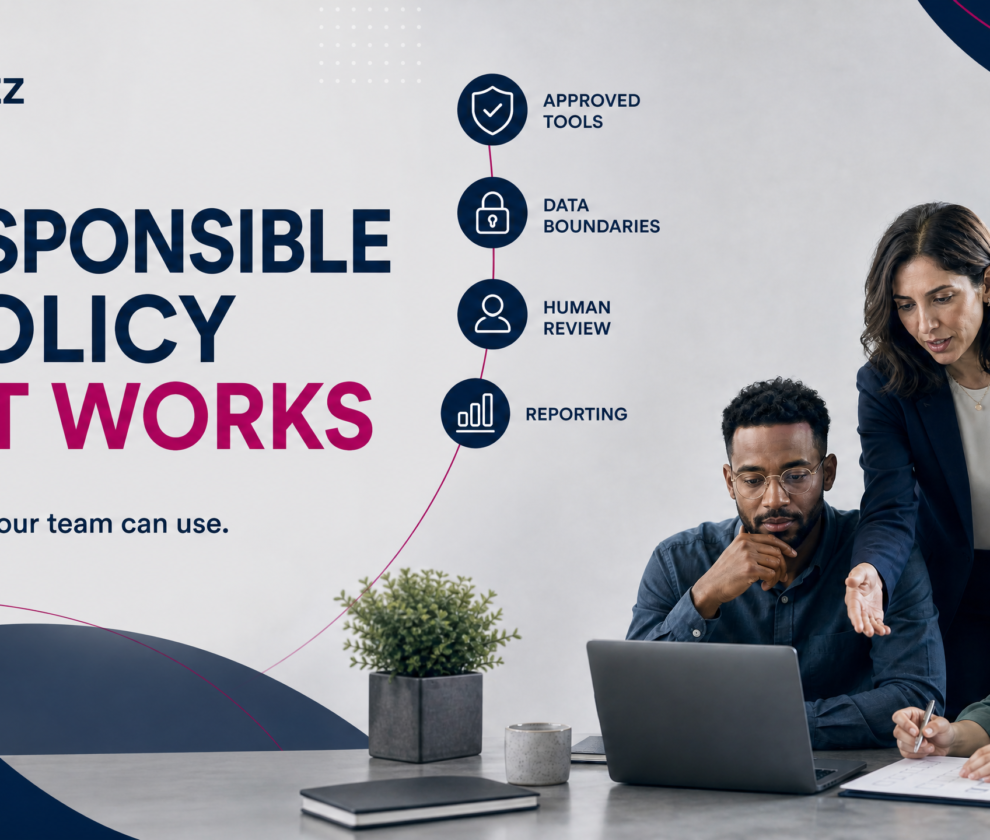
For a small business owner, the promise of Artificial Intelligence (AI) is often overshadowed by the complexity of its risks. You might see the potential for AI to draft emails, summarize meetings, or analyze spreadsheets in seconds, but you also worry about where that data goes and whether the output is actually accurate. The direct answer to this tension is not to ban AI, but to govern it. A practical, responsible AI policy for a small business should clearly state approved tools, data boundaries, roles and accountability, output review requirements, reporting procedures, vendor review standards, and ongoing staff training.
The goal of such a policy is not to create a hundred-page compliance manual that no one reads. Instead, it is to provide a “living” set of guardrails that allows your team to experiment with automation while protecting your most valuable assets: your client trust and your business data. In this guide, we will break down the essential components of a small business AI policy and provide a step-by-step approach to putting it into practice.
Why Small Businesses Need an AI Policy Now
Many business leaders believe that AI policy is a concern only for large corporations with massive legal departments. However, the risks of “Shadow AI”—the unmanaged use of AI tools by employees without leadership’s knowledge—are arguably higher for small firms. A single employee uploading a sensitive client contract into a public, unvetted AI tool can lead to significant data exposure or a breach of confidentiality agreements.
According to the NIST AI Risk Management Framework, managing AI risk is essential for maintaining trust and ensuring that AI systems are used in a way that is safe, secure, and resilient [1]. For small businesses, this means moving from accidental adoption to intentional governance. Without a policy, you are operating in the dark; with one, you are building a foundation for scalable growth.
The 7 Core Pillars of a Responsible AI Policy
A responsible AI policy should be proportionate to your business size and the sensitivity of the data you handle. Whether you are a law firm, a healthcare provider, or a local service business, these seven pillars form the backbone of a secure AI strategy.
1. Inventory of Approved Tools
The first step in any policy is defining what is allowed. Your policy should include a list of AI tools that the business has reviewed and approved for work use. This prevents employees from using personal accounts or unvetted apps that may not meet your security standards.
| Category | Approved Tool Example | Primary Use Case |
|---|---|---|
| Content Generation | Microsoft Copilot (Enterprise) | Drafting internal memos, summarizing emails. |
| Data Analysis | ChatGPT Team/Enterprise | Analyzing anonymized internal performance metrics. |
| Customer Service | WyzPilot | Drafting field-service replies and quotes from job notes. |
2. Data Boundaries and Restrictions
This is the most critical section of your policy. You must explicitly define what information is strictly prohibited from being entered into any AI tool, especially public ones. For professional service firms, this typically includes:
– Personally Identifiable Information (PII) of clients or employees.
– Protected Health Information (PHI) under HIPAA regulations.
– Proprietary financial data or trade secrets.
– Passwords, API keys, or security credentials.
3. Roles and Accountability
Accountability ensures that AI adoption doesn’t become “everyone’s interest but no one’s responsibility.” Your policy should name an AI Operations Owner—usually a partner or operations manager—who is responsible for reviewing new tools and updating the policy as technology evolves. Employees must know who to ask before they try a new tool.
4. The Mandatory Human Review Requirement
AI is a co-pilot, not the pilot. Your policy must state that all AI-generated output must be reviewed and validated by a human before it is sent to a client, relied upon for a business decision, or published. This is particularly important given the risk of “hallucinations”—instances where AI generates confident but factually incorrect information. The Federal Trade Commission (FTC) has warned businesses that they are responsible for the claims made by their AI, regardless of whether a human wrote them or not [2].
5. Reporting and Escalation Procedures
What happens when an AI tool produces a biased result, a security flaw is discovered, or an employee accidentally uploads sensitive data? Your policy should provide a clear, “no-blame” channel for reporting these incidents. Early detection is the best defense against long-term reputational damage.
6. Vendor Security and Data Handling Review
Before adding a new tool to the approved list, the business must review the vendor’s commitments. Key questions to ask include:
– Does the vendor use your data to train their public models? (Ideally, the answer should be “No” for business use).
– Where is the data stored, and what are their retention policies?
– Does the vendor provide Multi-Factor Authentication (MFA) and role-based access controls?
7. Ongoing Training and Awareness
A policy document sitting in a folder is useless. A responsible AI strategy includes regular training sessions where staff can discuss how they are using AI, share best practices, and be reminded of the data boundaries. This keeps the policy top-of-mind and fosters a culture of “security-first” innovation.
Putting the Policy Into Practice: A Step-by-Step Approach
Creating the document is only half the battle. The real work lies in implementation. For small businesses, we recommend a “Crawl, Walk, Run” approach.
Step 1: Conduct a Shadow AI Audit
Ask your team to list the AI tools they have tried or are currently using for work. You might be surprised at the results. Frame this as a discovery exercise, not a disciplinary one. The goal is to bring these tools into the light so they can be governed.
Step 2: Draft a One-Page Interim Policy
Do not wait for a perfect policy. Start with a one-page “Interim AI Acceptable Use Policy” that covers the absolute essentials: approved tools and data restrictions. Distribute this to your team immediately.
Step 3: Pilot a Single Workflow
Choose one repetitive task—such as drafting follow-up emails for service quotes—and pilot it using an approved tool like WyzPilot. Define the human reviewer and the success metrics before you start. This allows you to test your policy in a controlled environment.
Step 4: Review and Refine Monthly
AI technology changes weekly. Your policy should be reviewed at least once a month to account for new tool features, changing vendor terms, or new regulatory requirements.
Industry Scenarios: Grounded in Reality
To understand how this looks in practice, consider these three common scenarios:
- The Legal Firm: An associate wants to use AI to summarize a 50-page deposition. The policy requires that the associate use only the firm’s enterprise-grade, private AI instance and that the summary is checked against the original text for accuracy before being used in a brief.
- The Healthcare Provider: An office manager wants to use AI to draft patient follow-up instructions. The policy prohibits entering any patient names or specific medical histories into the tool. The manager uses a template-based approach where AI drafts the general advice, and the manager manually inserts the patient-specific details afterward.
- The Local Contractor: An HVAC owner uses WyzPilot to turn messy job notes into a professional quote. The policy ensures the owner reviews the final pricing and scope of work before hitting “send,” ensuring that the AI’s draft aligns with the actual job requirements.
Important Limitations and Human Oversight
While AI can significantly improve efficiency, it has clear limits. AI lacks the nuanced judgment, ethical weighing, and contextual understanding of a human professional. It cannot replace the relationship of trust you have built with your clients. Therefore, your policy should emphasize that AI is a tool to support human expertise, not replace it.
Disclaimer: This guide is for educational and informational purposes only. It does not constitute legal, medical, financial, insurance, or compliance advice. AI regulations and best practices are evolving rapidly; always consult with qualified legal and cybersecurity professionals to ensure your policies meet your specific regulatory and jurisdictional requirements.
Author & Reviewer
Author: Calvert, IT Consultant & Founder of SohoWizz Technology Solutions.
Reviewer: SohoWizz AI Operations Team.
Calvert specializes in helping small businesses navigate the intersection of cybersecurity, AI automation, and operational efficiency.
Next Steps for Your Business
Ready to move from accidental AI use to a controlled, responsible strategy? Start with these two resources:
- Download the Responsible AI Readiness Checklist: Identify the gaps in your current controls and get a practical roadmap for improvement.
- Book a Cyber Risk Review: Sit down with a SohoWizz expert to review your identity, data, and AI security posture in one practical conversation.
Frequently Asked Questions (FAQs)
1. Can I just ban AI in my small business?
While you can set a policy that prohibits AI use, it is increasingly difficult to enforce. Many common tools (like Microsoft Word or Google Docs) now have AI built-in. A better approach is to provide a list of approved tools and clear rules for their use.
2. What is the biggest risk of using AI without a policy?
The biggest risk is the accidental exposure of sensitive client or business data. If employees upload confidential information into public AI models, that data may be retained or used to train future versions of the model, leading to a breach of privacy or confidentiality.
3. Does a small business really need a “Chief AI Officer”?
Not necessarily. You just need a named owner—someone who is accountable for the policy and stays informed about the tools the team is using. This could be the owner, an operations manager, or an external IT consultant.
4. How often should I update my AI policy?
Given the speed of AI development, we recommend a brief monthly review and a more formal quarterly update. This ensures your policy reflects the latest tool capabilities and security best practices.
5. How do I know if an AI vendor is safe?
Look for vendors that offer “Enterprise” or “Team” versions of their tools, which typically provide better data privacy and security commitments than free consumer versions. Always check if they allow you to opt-out of data training.
References
[1] NIST (2023). AI Risk Management Framework (AI RMF 1.0). National Institute of Standards and Technology. https://www.nist.gov/itl/ai-risk-management-framework[2] FTC (2023). Keep your AI claims in check. Federal Trade Commission. https://www.ftc.gov/business-guidance/blog/2023/02/keep-your-ai-claims-check
[3] Microsoft (2024). Responsible AI Principles. https://www.microsoft.com/en-us/ai/responsible-ai
[4] IBM (2024). AI Ethics. https://www.ibm.com/impact/ai-ethics