07 May
Reading time: 5 minutes · Last updated: 5 May 2026
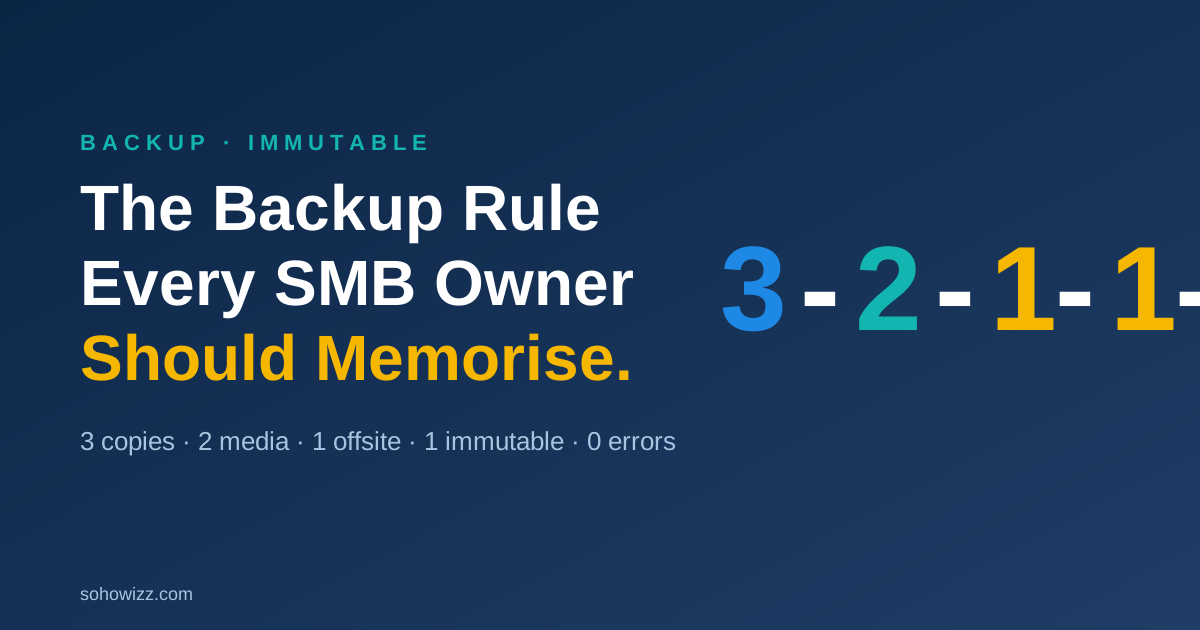
Ask any SMB owner if they have backups, and 95% will say yes. Test their backups, and roughly one in five will fail. The classic “3-2-1” rule (three copies, two media, one off-site) was good in 2010. It is no longer enough. The modern standard is the 3-2-1-1-0 backup rule, and every SMB should be running it — especially if you’ve thought about ransomware, insurance, or just sleeping through the night.
What does 3-2-1-1-0 mean?
- 3 — Keep three total copies of every important file. (One primary plus two backups.)
- 2 — Store those copies on at least two different types of media. (Internal disk + cloud, NAS + tape, etc.)
- 1 — Keep at least one copy off-site. Cloud counts.
- 1 — Keep at least one copy immutable or air-gapped — meaning ransomware (or a rogue admin) cannot encrypt or delete it.
- 0 — Zero errors verified. Backups are tested with real restores on a regular schedule.
The two new digits matter because attackers in 2026 specifically target backups. They lurk in your network for days or weeks, find your backup system, and encrypt or delete those copies before they trigger the visible ransomware on your production systems. If you don’t have an immutable copy, the attack is unrecoverable. If you’ve never tested a restore, you may not realise the backup was broken months ago.
What “immutable” actually means
An immutable backup is one that cannot be modified or deleted for a defined retention period — even by an administrator. It’s protected at the storage layer itself. If ransomware hits your network with stolen admin credentials, immutable storage refuses the delete command. Most modern cloud providers (Wasabi, Backblaze B2, AWS S3 with Object Lock, Azure Immutable Blob Storage) and major backup vendors (Veeam, Datto, Acronis) support this natively.
If your IT provider can’t show you, on a screen, the immutability flag on your backups, you don’t have one.
What “zero errors verified” actually means
This is the part most SMBs skip. A working backup process produces:
- A daily success/failure report that someone actually reads.
- A monthly verified restore — pick a random file or VM, restore it, confirm it works.
- An annual full DR rehearsal — restore everything to a sandbox and run the business on it.
If your backup system has been running for two years and nobody has ever restored a file from it, you don’t have a backup — you have a hope.
What goes wrong: the 5 silent failures we find
- The backup drive was disconnected. A staff member unplugged it nine months ago to plug in a printer.
- The job has been failing every night. Email alerts went to a person who left the company.
- Half the data isn’t included. The new file server was added but nobody added it to the backup scope.
- Backups are on the same network. Ransomware encrypts both production and backup in one motion.
- The credentials don’t work anymore. The cloud account password expired six months ago.
Every one of these is fixable in an afternoon — if you find them on a calm day. Finding them at 11:47 p.m. on a Tuesday is a different story.
How to apply 3-2-1-1-0 in a small business
For a typical 25–100 person SMB, here’s the working stack:
- Copy 1: The live data on your servers / SaaS apps.
- Copy 2: Local backup appliance (NAS or purpose-built backup hardware).
- Copy 3: Cloud replication of that appliance to a separate provider, with object-lock immutability turned on.
- Verification: Daily monitoring + monthly file-level restore + annual full DR rehearsal.
For most SMBs, this costs between $200 and $1,500/month depending on data volume. That cost is roughly 1–2% of what a serious incident would cost you.
Backups for SaaS — the blind spot
Microsoft 365 and Google Workspace do not back up your data the way you think. They keep recent recovery points, but they do not protect you from a disgruntled employee deleting files, ransomware encrypting OneDrive, or a malicious admin nuking accounts. Third-party SaaS backup is now standard for any SMB that takes its data seriously.
How SohoWizz delivers 3-2-1-1-0
Our managed backup service is configured to 3-2-1-1-0 by default for every client: local appliance, immutable cloud copy, daily monitoring, monthly verified restore, annual rehearsal, plus SaaS-level backup for Microsoft 365 / Google Workspace.
Read these next
Free backup health check
We’ll review your current backup setup against 3-2-1-1-0 and send you a one-page report. No obligation.